Fownd 1.0.7 is the biggest update we’ve shipped so far. You can now list items on eBay straight from the app, Dot shows you around as you go, and every screen got a cleaner, glassier look. Here’s what each change means, and what’s in Pro.
Can you list on eBay from Fownd?
Yes. Since 1.0.7 you can turn any item you’ve bought or saved into an eBay listing without leaving the app. Drafting the listing and posting it to eBay both need Pro.
Open an item you’ve bought or saved and tap List to eBay. The first time, Fownd asks you to connect your eBay account. You only do that once.
Fownd then drafts the listing from your scan. You get a title, the category, the item specifics eBay asks for (brand, size and the rest), the condition and a description. The item’s photos come along too.
You stay in charge of every word. Each part of the draft opens to edit, so you can fix a detail, add or reorder photos, and pick the shipping and returns options from your eBay account. Then type your price. Fownd never picks the price for you: what you ask is your call.
When it looks right, tap Post to eBay. The listing goes live on eBay under your own account, just as if you’d built it on eBay yourself.
How to list an item on eBay from Fownd
- Open an item you've bought or saved in Inventory.
- Tap List to eBay and connect your eBay account once. Listing needs Pro.
- Check the draft: title, item specifics, condition, photos and description.
- Type your price.
- Tap Post to eBay.

Not sure eBay is the right home for an item? Here’s when to list on eBay vs Poshmark vs Depop vs Mercari. Fownd works out the fees for all of them, even though it posts to eBay only.
Who is Dot?
Dot is Fownd’s guide: a small lime orb with a light-up face. The name stands for Deal Or Toss, which is the question Fownd answers every time you scan.
When you create your account, Dot says hello with a few short welcome cards. After that, Dot shows up once, the first time you open each part of Fownd, with a one-time tip about what it does. Point the camera here. This is your profit after fees. Everything you buy lands in your inventory. That kind of thing.
Dot doesn’t repeat a tip you’ve already seen on this phone, so the tips stay out of your way once you know the app. Tips for Pro-only screens, like the watchlist and the tax pack, wait until you can use them. If you’d like the tour again, go to Profile and tap Replay Dot’s tips.
What’s different about the new look?
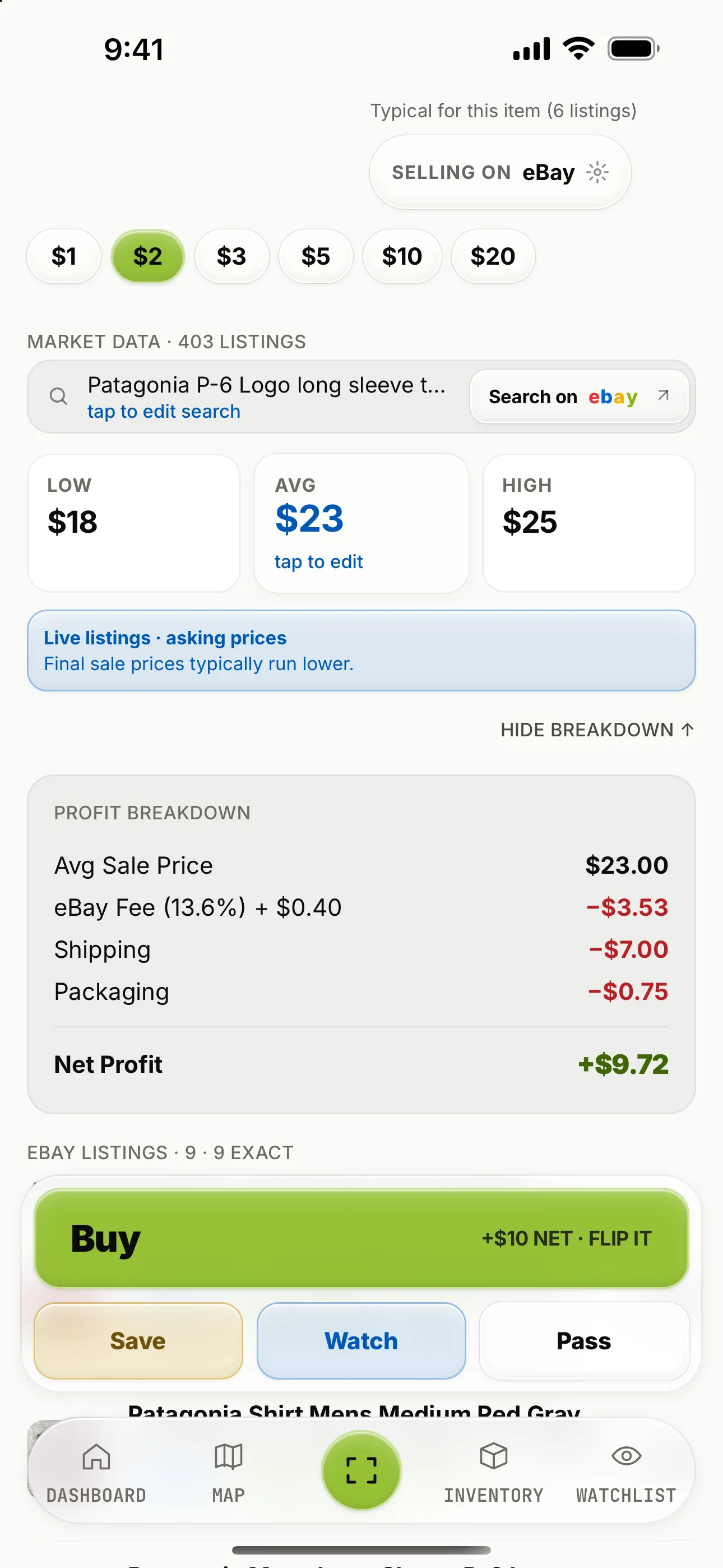
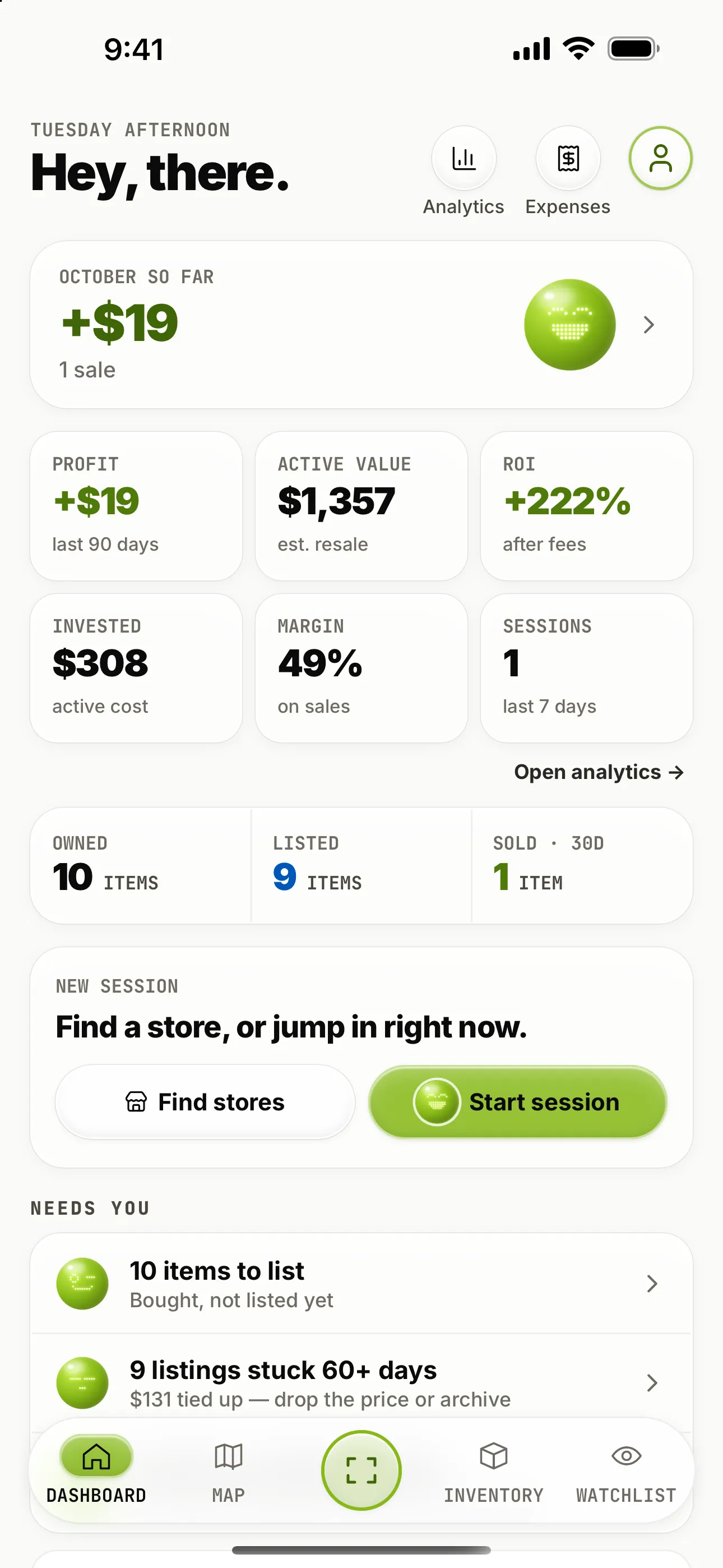
Fownd 1.0.7 gives every screen a cleaner, glassier look. Buttons, the tab bar and sheets are glass, the headline cards are frosted, and lime marks actions and money: your profit, the main buttons and the selected chip.
The same sections, in the same order. Everything is where you left it, just easier to read at a glance. The scan result, your inventory, the dashboard and live sessions all got the same treatment. Money reads the same way everywhere, too: dark lime for a profit and red for a loss.
Is item identification more accurate?
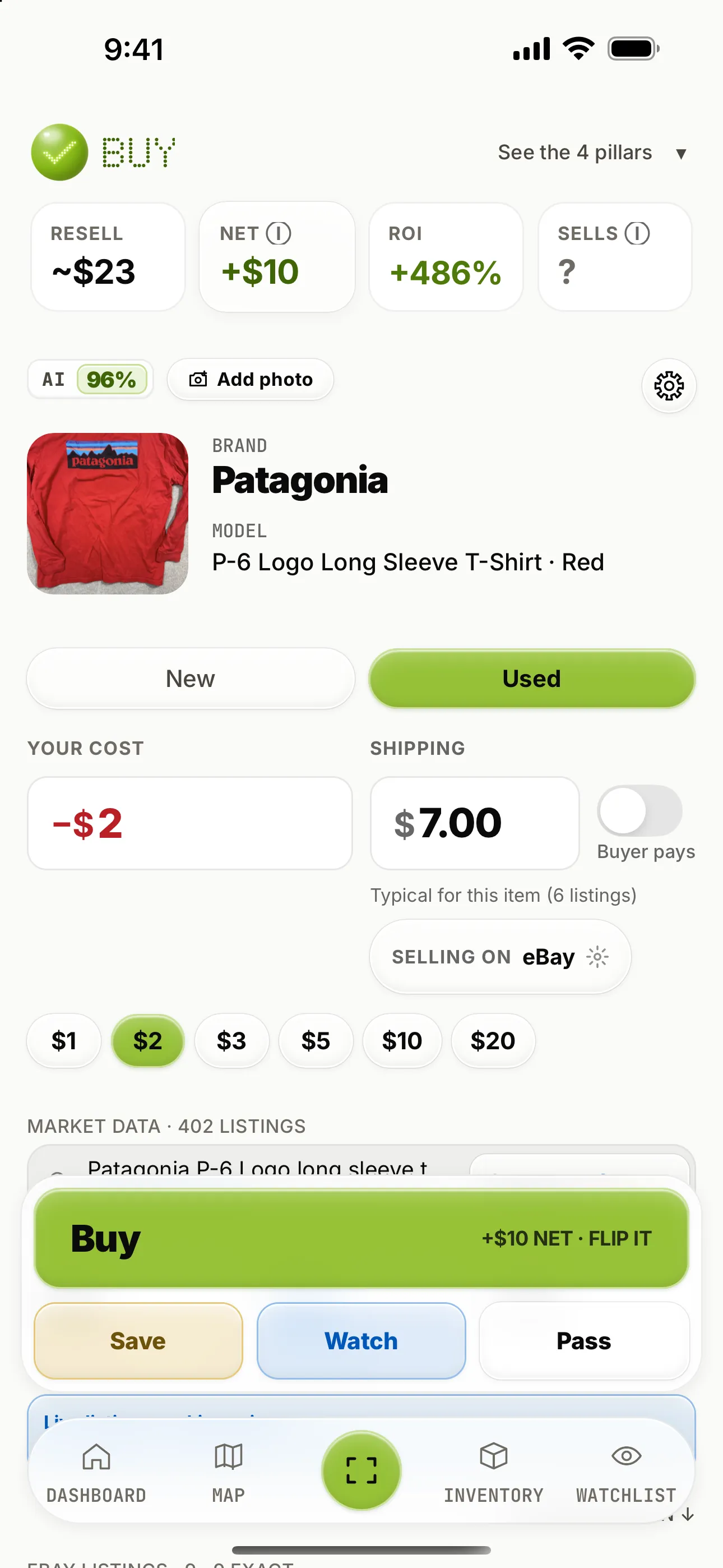
Yes. 1.0.7 brings sharper item identification and closer eBay price matches. Fownd is better at naming what you’re actually holding, and the eBay prices it pulls line up more closely with that item.
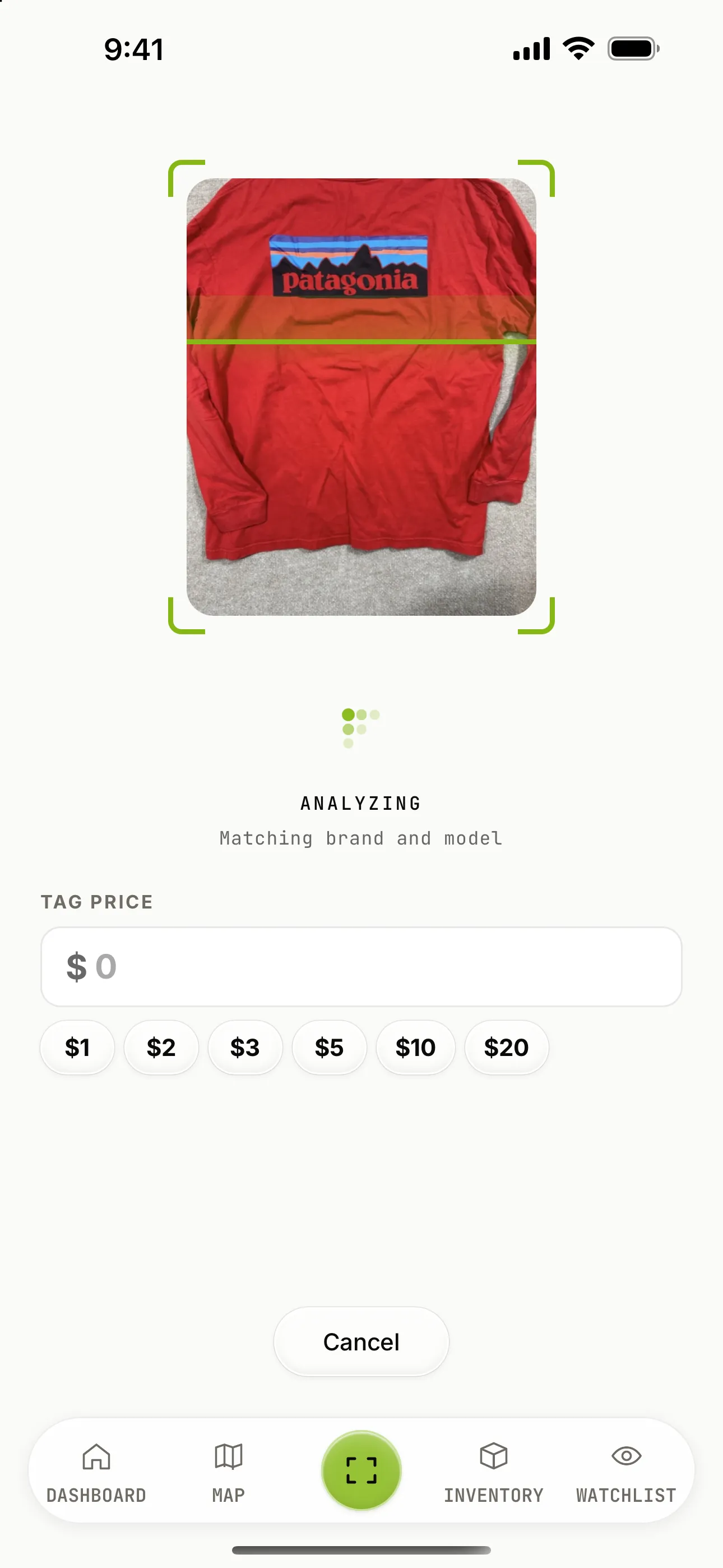
Point the camera at the item or its tag, or switch to barcode mode for an exact match. If Fownd isn’t sure, you can add a second photo or edit the search, and the prices follow.
What is Scan History?
Scan History keeps your recent scans in one place, newest first. It includes the items you passed on or never decided about, not just the ones you bought, so a “maybe” from last weekend is still there when you change your mind.
You can search it, reopen a scan, and delete the ones you don’t need. It lives on your phone, and clearing it never touches your inventory. Find it from the Recently scanned row on your dashboard.
What’s the weekly recap email?
The weekly recap email is an optional summary of your week in a few numbers: what you sold and what you made, what you bought and spent, how many sessions you ran, and what’s still waiting to be listed. It’s off until you turn it on. To get it, go to Profile and switch on Weekly recap email. It comes once a week, and you can switch it off the same way.
What’s in Fownd Pro?
Fownd Pro is the whole app, from scanning and verdicts to listing on eBay and the tax pack, and you need it to use Fownd. New subscribers start with a 7-day free trial, turned on from the app.
Everything in Pro:
- Scanning by photo or barcode
- Verdicts with the four scores
- Live eBay asking prices
- Profit after fees
- Sold prices and sell-through
- Burst, up to 20 items in a row
- The watchlist with buy targets
- Listing on eBay
- Inventory and Scan History
- Owned → Listed → Sold tracking
- Live sessions and the lock-screen count
- The map of places to hunt
- The dashboard and analytics
- Expenses and mileage
- The tax pack and CSV exports
After the trial, Pro costs $19.99 a month or $119.99 a year until you cancel in the App Store or Google Play. Wondering what to make of sell-through? Here’s what a good sell-through rate looks like.
How do I get the update?
Open the App Store, find Fownd and tap Update, or let automatic updates do it for you. New to Fownd? Download it from the App Store. On Android, get Fownd on Google Play. New subscribers get a 7-day free trial of Pro: start it in the app and try listing on eBay, sold prices and the rest before you decide.
Want to see how Fownd makes the call first? Slide the tag price in the Deal or toss? demo on our homepage, or run your own numbers through the free fee calculator.